

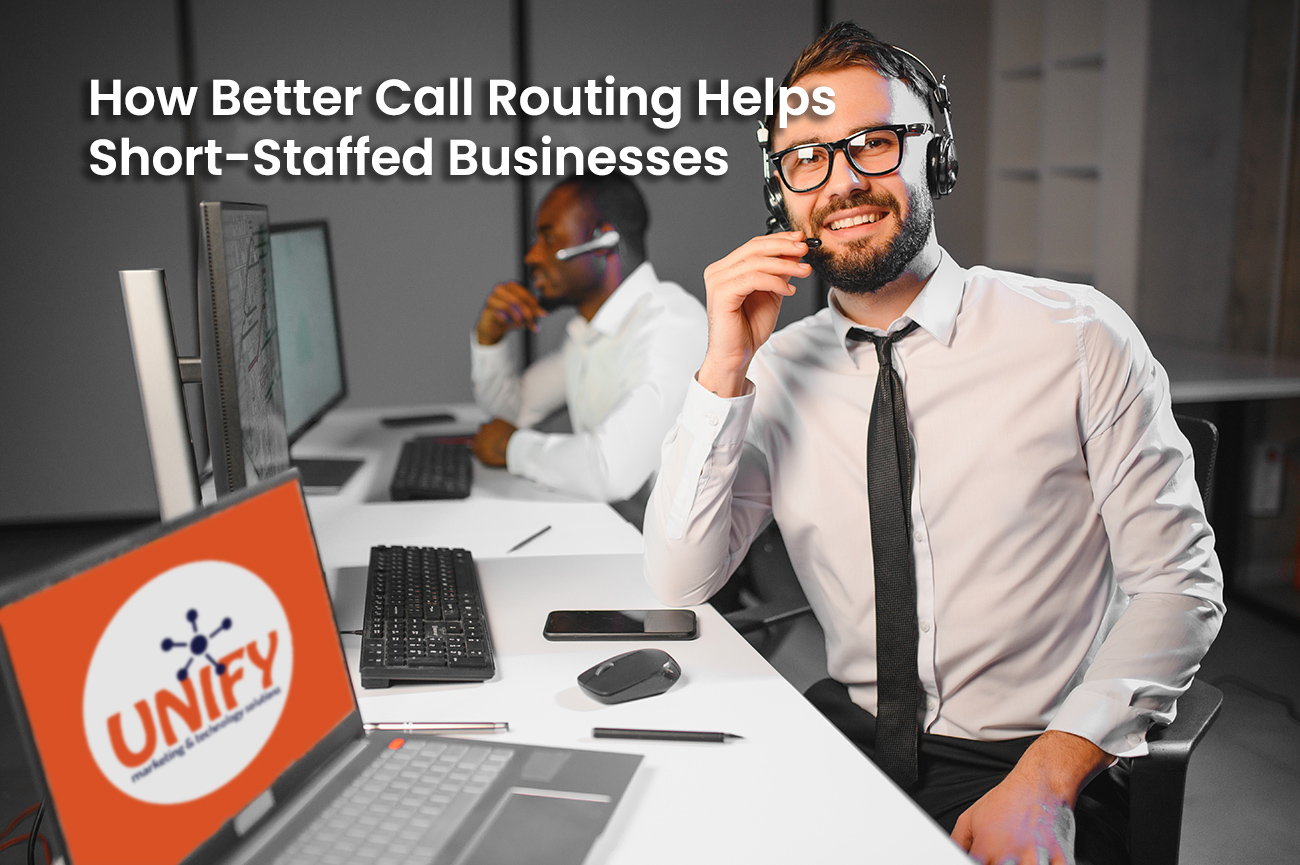
Staffing shortages can make even a normal workday feel overwhelming. Employees may need to answer phones while helping customers, completing paperwork, handling deliveries, or managing other essential responsibilities.
When incoming calls rely on one receptionist or a single desk phone, customers can quickly encounter long hold times, repeated transfers, or unanswered calls. Better call routing can reduce that pressure by automatically directing each caller to the employee or department most likely to help.
A cloud based phone system for business gives short-staffed organizations more flexibility in how calls are answered, distributed, and managed.
Why Call Routing Matters When Staffing Is Limited
Call routing determines what happens after someone calls your main business number. A basic system may ring one phone before sending the caller to voicemail. A modern system can use schedules, menus, ring groups, queues, and forwarding rules to find an available employee.
Effective routing helps your business:
- Distribute calls between available employees
- Reduce pressure on front desk staff
- Direct customers to the correct department
- Provide options when someone is unavailable
- Support employees working outside the office
- Maintain professional communication during busy periods
The goal is not to prevent customers from reaching a person. It is to create a more organized path that helps them reach the right person faster.
Auto Attendants Direct Calls Automatically
An auto attendant greets callers and provides options such as sales, service, billing, or employee directories. Instead of requiring one employee to answer and manually transfer every call, callers can select the destination they need.
A short and clearly written menu can reduce interruptions for employees while improving the caller’s experience.
Menus should avoid too many options or lengthy announcements. The most frequently requested departments should appear first, and callers should have a clear way to reach general assistance.
Ring Groups Share the Workload
A ring group allows several phones to ring for the same incoming call. Calls can ring all group members at once or move from one employee to another in a planned order.
For example, a service call might ring the primary coordinator first. If that person is unavailable, it could then ring two additional employees who are trained to help.
This prevents calls from depending on one person and allows your team to share responsibility based on availability.
A properly configured business VoIP solution can also create different ring groups for sales, support, accounting, scheduling, and other business functions.
Call Queues Organize Busy Periods
When call volume exceeds the number of available employees, a queue can place callers in line instead of immediately sending them to voicemail.
While waiting, callers may hear music, announcements, estimated wait information, or instructions for alternative ways to reach the business. Calls can then be distributed based on employee availability.
Queues are especially valuable for businesses that experience predictable rushes, such as medical offices, service companies, restaurants, property managers, and seasonal organizations.
Queue settings should still be monitored carefully. Customers should not remain on hold indefinitely. Overflow rules can send calls to another team, a designated backup employee, or voicemail after a reasonable wait.
Mobile and Desktop Applications Keep Employees Reachable
Short staffing becomes more difficult when employees are moving between offices, working remotely, visiting customer locations, or managing activity away from their desks.
A cloud based phone system for business can allow employees to use a mobile or desktop application as an extension of the company phone system. They can answer business calls without giving customers a personal phone number.
This flexibility allows managers, sales representatives, technicians, and other mobile employees to assist with calls when needed. It can also help businesses maintain coverage during remote work, bad weather, travel, or temporary office closures.
Schedule-Based Routing Adjusts Call Coverage
Your staffing needs may change throughout the day. The employee answering calls in the morning may leave before the office closes, or certain departments may have different schedules.
Cloud VoIP systems can route calls according to business hours, lunch periods, holidays, department schedules, and after-hours rules.
For example:
- Morning calls can ring the front desk
- Lunch-hour calls can ring several employees
- After-hours calls can reach an emergency line
- Holiday calls can play a special announcement
- Weekend calls can go to an on-call employee
These rules reduce the need for employees to remember to manually forward phones whenever the schedule changes.
Voicemail-to-Email Helps Employees Respond Faster
Not every call can be answered immediately. When a customer leaves a voicemail, voicemail-to-email can deliver the message or recording directly to an employee’s inbox.
This makes it easier to review and return calls without repeatedly checking a desk phone. Messages can also be sent to a shared mailbox so multiple employees can see what needs attention.
Your business should define who is responsible for reviewing each shared voicemail box. Technology can deliver the message, but a clear internal process is still necessary to make sure someone responds.
Smarter Routing Creates a More Consistent Customer Experience
Customers may not know that your company is operating with fewer employees, but they will notice when calls are repeatedly transferred or left unanswered.
Better routing gives callers a consistent greeting, clear menu choices, organized queues, and reliable voicemail options. It can make a small team appear more coordinated without pretending that every employee is always available.
A professional business VoIP solution can also make it easier to adjust routing as employees are hired, responsibilities change, or new locations are added.
Start With a Call Flow Plan
Before configuring a new system, map how calls should move through your business.
Consider:
- Who normally answers each type of call?
- Who should serve as the backup?
- What happens when everyone is busy?
- How long should callers wait?
- Which calls require after-hours attention?
- Where should unanswered messages be delivered?
- Which employees need mobile access?
These answers help create a system that reflects how your organization actually operates.
Improve Call Handling Without Adding More Pressure
A short-staffed business cannot always add another employee immediately, but it can improve how existing employees manage incoming calls.
Unify Marketing & Technology Solutions provides cloud and on-premise business phone systems for organizations throughout Northwest Ohio. Our team can help design call menus, ring groups, queues, forwarding rules, voicemail, mobile applications, and other features around your daily operations.
A properly designed cloud based phone system for business can help your team stay responsive, reduce missed calls, and provide a more organized customer experience.
Frequently Asked Questions
What is call routing?
Call routing is the process of directing incoming calls to specific employees, departments, phone groups, queues, or voicemail boxes based on predetermined rules.
What is a cloud based phone system for business?
A cloud based phone system for business uses an internet-hosted phone platform instead of relying entirely on equipment located at the business. It can provide call routing, extensions, mobile applications, voicemail, and remote management.
Can better call routing reduce missed calls?
Yes. Ring groups, queues, forwarding, and mobile applications give incoming calls more opportunities to reach an available employee before going to voicemail.
What is the difference between a ring group and a call queue?
A ring group rings several selected employees for an incoming call. A call queue places callers in line and distributes calls as employees become available.
Can cloud VoIP systems support remote employees?
Yes. Many cloud VoIP systems offer mobile and desktop applications that allow authorized employees to make and receive business calls from outside the office.
Can call routing change after business hours?
Yes. Calls can follow different routes based on office hours, holidays, weekends, emergencies, or on-call schedules.
How many menu options should an auto attendant have?
The menu should include the most important options without overwhelming callers. Short menus with clear department names are generally easier to navigate.
Can Unify configure an existing business phone system?
Available options depend on the system, its age, and its current configuration. Unify can review the existing setup and recommend whether it should be reconfigured, expanded, or replaced.