


The Most Common Security Gaps We See in Small Businesses
Small business security is often built one piece at a time. A camera gets installed after an incident. A new lock is added when an employee leaves. Another camera goes up when inventory starts disappearing. Over time, the business may have several security tools in place without ever having a complete security strategy.
That can leave gaps.
Effective facility security is not simply about having cameras on the walls or locks on the doors. It requires controlling who can enter the building, knowing what happens around important areas, protecting restricted spaces, and making sure the technology behind those systems works reliably.
At Unify Marketing & Technology Solutions, we help businesses strengthen physical security with professional security camera installation, door access control systems, networking, structured cabling, and integrated technology solutions.
Here are some of the most common security gaps small businesses should look for.
1. Relying Too Heavily on Traditional Keys
Traditional keys are simple, but they can create problems as a business grows.
Employees leave. Keys get lost. Copies may be made without management knowing. Contractors may receive temporary keys that are never returned. In many cases, there is also no practical way to determine exactly who unlocked a door or when they entered.
Changing locks every time a key goes missing is inconvenient and can become expensive.
Modern door access control systems offer a more manageable approach. Businesses can provide authorized employees with keycards, key fobs, mobile credentials, or PIN codes while controlling exactly which doors those credentials can open.
Access can also be revoked when an employee leaves without replacing locks or distributing new keys to everyone else.
UNIFY's Access Control Systems page explains how electronic access can provide centralized management, activity tracking, remote access management, and scalable control for multiple doors and locations.
For many small businesses, replacing traditional keys at important entrances is one of the easiest ways to improve facility security.
2. Giving Every Employee Access to Every Area
Another common mistake is treating every employee's access the same.
Not everyone needs access to every room.
A receptionist may need access to the main office but not the server room. A warehouse employee may need access to inventory areas but not accounting offices. Cleaning crews may need access after hours, but only during specific times.
Without controlled access, sensitive areas may be available to far more people than necessary.
Door access control systems allow businesses to create access permissions based on employees, departments, doors, schedules, and responsibilities.
This can be useful for securing areas such as:
- Server and network rooms
- Inventory storage
- Accounting offices
- Employee-only entrances
- Equipment rooms
- Medication or supply storage
- Warehouses
- Management offices
- Records rooms
Limiting access does not need to make the workplace inconvenient. A properly configured system can make normal entry simple for authorized employees while keeping restricted areas protected.Installing Cameras Without Thinking About Blind Spots
3. Having cameras does not necessarily mean you have complete coverage.
Camera placement matters just as much as the number of cameras installed.
A camera mounted too high may capture a large area but make faces difficult to identify. A camera pointed toward bright sunlight may struggle with image quality at certain times of day. Shelving, signs, equipment, vehicles, landscaping, and changes to a building layout can also create unexpected blind spots.
Professional security camera installation should start with how people actually move around the property.
Important areas often include:
- Main entrances
- Secondary entrances
- Loading areas
- Parking lots
- Cash handling areas
- Inventory rooms
- Hallways
- Exterior doors
- High-value equipment
- Restricted areas
UNIFY's Security Camera Installation page covers commercial camera systems designed around a facility's layout and security requirements.
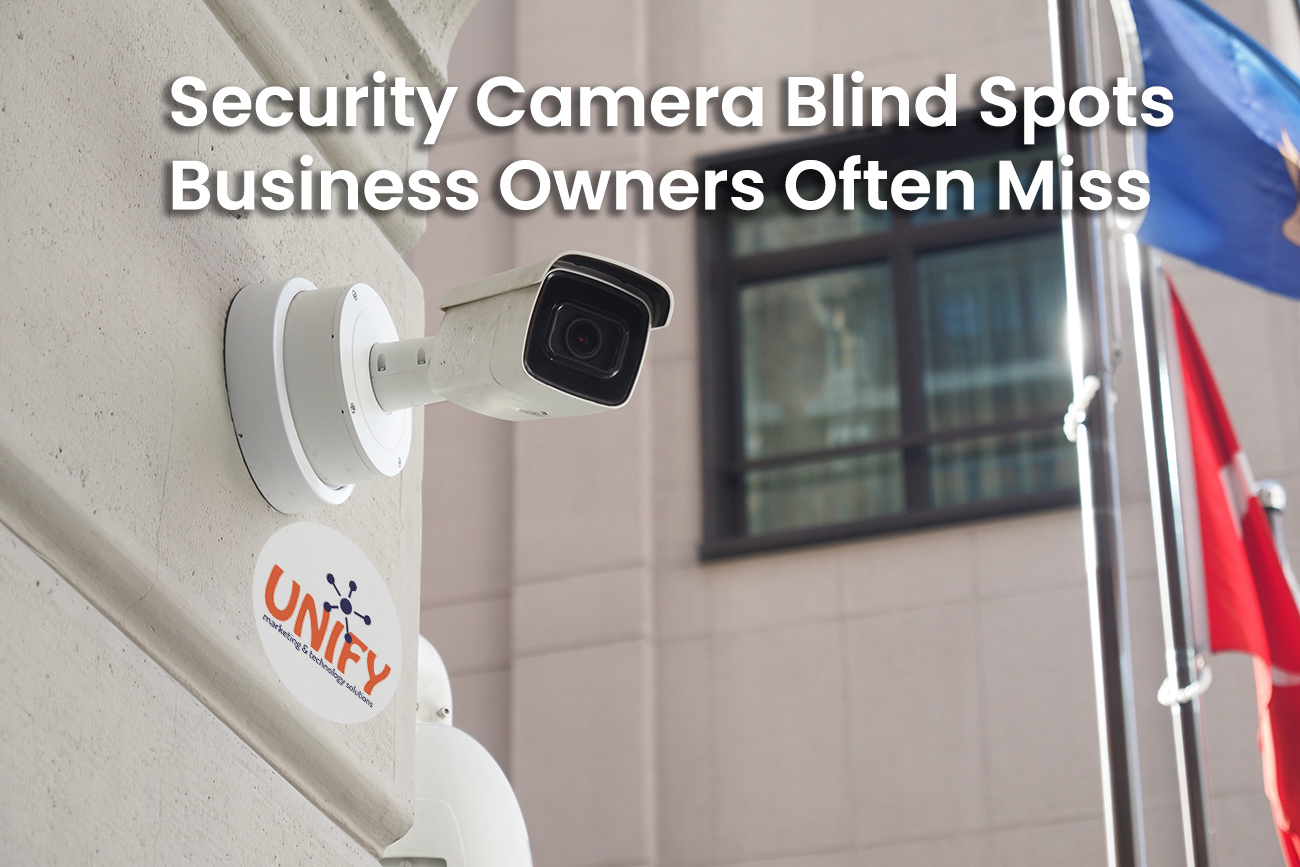
Our article on security camera blind spots businesses often miss is worth checking out.
4. Watching the Front Door but Ignoring Secondary Entrances
The front entrance usually receives the most attention because it is where customers, visitors, and employees are expected to enter.
The problem is that unauthorized entry may happen somewhere else.
Side doors, rear employee entrances, warehouse doors, loading docks, gates, and other less visible access points can become significant gaps in facility security.
A better security plan looks at the entire building rather than only the main entrance.
Combining cameras with door access control systems can provide both visibility and control. Access control determines who is authorized to use the entrance, while video surveillance provides visual information about what happened around it.
This combination is especially valuable for businesses with multiple entrances, larger facilities, warehouses, or locations that operate outside traditional office hours.
For organizations throughout Northwest Ohio and Southeast Michigan, seasonal conditions can also change how entrances are used. Employees may begin using different doors, loading areas may become busier, and exterior visibility can change throughout the year. Security plans should account for how the property actually operates.
5. Having Cameras but Never Checking Whether They Work
A security camera that has been offline for three months does not provide much protection.
Unfortunately, businesses sometimes discover a camera problem only when they need footage from an incident.
Cameras can experience problems with power, cabling, network connections, recording equipment, storage, configuration, or physical obstruction. A camera may appear to be installed correctly while no longer recording useful video.
Routine checks should confirm that:
- Cameras are online
- Important views are still clear
- Nighttime images are usable
- Recordings are being stored
- Date and time information is accurate
- Remote viewing is functioning
- Cameras have not been moved or obstructed
Professional security camera installation should include not only mounting cameras, but configuring recording and remote viewing so the system is practical to use.
A security system should be treated like other important business technology. It needs occasional review and maintenance.
6. Keeping Access Credentials Active After Employees Leave
Employee turnover can create a major security gap when access is not removed promptly.
With physical keys, it may be difficult to know whether a former employee returned every copy. Electronic access makes this process easier, but only if businesses actually maintain their user lists.
When an employee, contractor, or vendor no longer needs access, their credentials should be disabled.
This is one of the major operational advantages of door access control systems. Access can be granted, changed, or removed centrally rather than requiring physical locks to be replaced.
Businesses should consider making access control part of their employee onboarding and offboarding procedures. When someone starts, they receive only the permissions they need. When they change roles, those permissions can be updated. When they leave, access can be removed as part of the offboarding process.
That creates a more consistent approach to facility security.
7. Not Using Access Logs Until Something Goes Wrong
Modern access control can provide valuable information about activity throughout a facility.
Businesses can maintain records showing when credentials were used and which controlled entry points were accessed. These logs can be helpful when investigating unusual activity, reviewing an incident, or simply understanding how a facility is being used.
The mistake is forgetting those capabilities exist.
Businesses should understand what information their system records, who is responsible for reviewing it, and how long relevant records are retained.
When access activity is combined with video surveillance, investigating an event can become much easier. An access event can help identify when someone entered an area, while video can provide additional visual context.
UNIFY's broader Security Services solutions are designed around combining controlled access with video surveillance instead of treating each system as an isolated security tool.
8. Forgetting About the Network Behind the Security System
Modern cameras and access control equipment increasingly rely on the business network.
That means a physical security system can only be as dependable as the infrastructure supporting it.
Poor cabling, unreliable switches, improper network design, damaged connections, or unstable power can potentially affect cameras, controllers, remote access, and other connected equipment.
This is one reason Unify approaches security as part of the larger technology environment.
A professional network cabling and structured wiring system can provide the reliable connections required by cameras, access control equipment, wireless access points, computers, phones, and other business devices.
For a growing business, planning cabling and network infrastructure at the same time as security camera installation or access control can also make future expansion easier.
9. Failing to Plan for Business Growth
A security system that works for a five-person office may not make sense several years later.
Businesses add employees, move departments, remodel buildings, lease additional space, open new locations, and change how facilities are used.
Security should be able to change with them.
Scalable door access control systems can allow organizations to add users, doors, and even additional locations without replacing the entire system. Camera systems can also be planned with future expansion in mind.
This is especially important for growing companies across Northwest Ohio and Southeast Michigan that may operate offices, warehouses, manufacturing facilities, retail locations, or multiple buildings.
The goal should not simply be solving today's security problem. Good planning creates a system that can continue supporting the business as its needs change.
10. Treating Cameras and Access Control as Separate Projects
One of the biggest missed opportunities is installing cameras and access control without considering how the systems complement each other.
Cameras provide visibility.
Access control provides control.
Together, they create a stronger approach to facility security.
For example, an access system may show that a credential was used at a particular door. A nearby camera can provide visual context around that event. Cameras can monitor areas around controlled doors, while access control can reduce the number of people who are allowed into sensitive spaces.
A complete security strategy can also account for network infrastructure, cabling, remote management, and future expansion.
Unify supports businesses across Northwest Ohio and Southeast Michigan with an integrated approach that brings security systems and technology infrastructure together.
Take a Fresh Look at Your Facility Security
Small security gaps are easy to overlook because businesses become accustomed to how their buildings operate.
The side door has always been unlocked during business hours. Everyone has always had a key. The warehouse camera has always had a small blind spot. Nobody remembers when the last access code was removed.
Those habits can eventually become vulnerabilities.
A periodic security review can help identify areas where better camera coverage, stronger entry control, improved infrastructure, or updated procedures could reduce risk.
Professional security camera installation and door access control systems are most effective when they are designed around how your business actually operates.
UNIFY can help evaluate your current environment and build a practical security approach that protects employees, property, equipment, and important areas without making everyday operations unnecessarily complicated.
Frequently Asked Questions
What are door access control systems?
Door access control systems are electronic security systems used to manage who can enter specific doors or areas. They can use keycards, key fobs, mobile credentials, or PIN codes and may provide centralized management, access schedules, and activity logs.
Are door access control systems better than traditional keys?
For many businesses, they provide greater control. Electronic credentials can be disabled or changed without replacing physical locks, and businesses can assign different permissions to individual employees or groups.
What should be included in a professional security camera installation?
Professional security camera installation should consider camera placement, image quality, recording, remote viewing, lighting, important entrances, exterior areas, high-value assets, and potential blind spots. The system should be designed around the specific property rather than simply installing a predetermined number of cameras.
Can security cameras and access control work together?
Yes. Access control can track activity at controlled doors, while security cameras provide visual monitoring and recorded footage. Using both can create a more complete facility security strategy.
How often should a business review its security cameras?
Businesses should periodically verify that cameras are online, recording correctly, providing useful views, and functioning properly during both daytime and nighttime conditions. Reviews are also useful after remodeling, moving equipment, adding entrances, or changing how an area is used.
What happens to access control when an employee leaves?
The employee's electronic credentials can typically be disabled in the access control system. Removing access should be included in the company's normal offboarding process.
Can access control systems support multiple doors or locations?
Yes. Modern systems can be designed to support multiple doors, users, and locations. This makes them useful for businesses that expect to grow or need centralized security management.
Does network infrastructure affect security cameras and access control?
Yes. Many modern physical security systems depend on network connectivity, structured cabling, switches, and other infrastructure. Reliable network design helps support consistent communication between security devices and management systems.
How do I know if my business has security gaps?
A security review should look at entrances, restricted spaces, employee access, camera blind spots, credential management, recording reliability, exterior areas, network infrastructure, and procedures for onboarding and offboarding employees.
Does UNIFY provide security solutions for businesses in Northwest Ohio and Southeast Michigan?
Yes. UNIFY supports organizations throughout Northwest Ohio and Southeast Michigan with security cameras, access control, structured cabling, network infrastructure, and other business technology solutions.