

Vacation season gives employees a much-needed opportunity to recharge, travel, and spend time with family. However, it can also create new cybersecurity risks for your business.
Employees may access company email from airports, hotels, restaurants, rental properties, and other unfamiliar locations. They may connect to public Wi-Fi, use personal devices, or respond to urgent-looking messages while distracted. Cybercriminals understand these habits and often use them to target businesses through phishing, account theft, and social engineering attacks.
With the right planning and managed IT services for small businesses, your employees can stay connected without exposing your company’s systems and sensitive information.
Why Business Travel Creates Additional Cybersecurity Risks
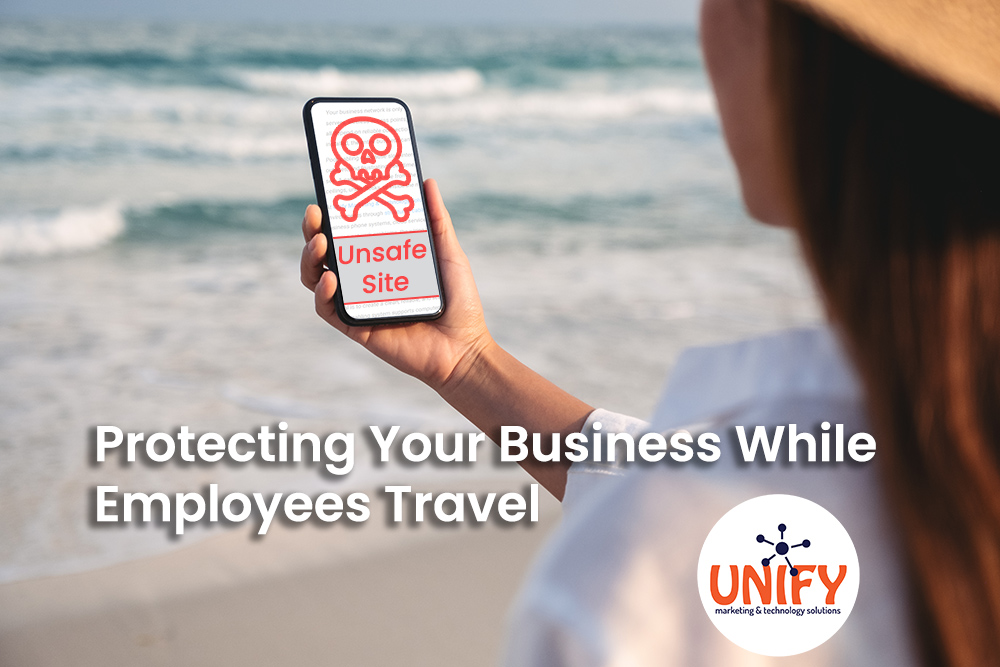
Working away from the office changes how employees access business technology. Instead of using a protected office network, they may rely on hotel Wi-Fi, mobile hotspots, shared computers, or personal devices.
Common travel-related cybersecurity risks include:
- Unsecured public Wi-Fi networks
- Lost or stolen laptops and mobile devices
- Fake login pages designed to steal passwords
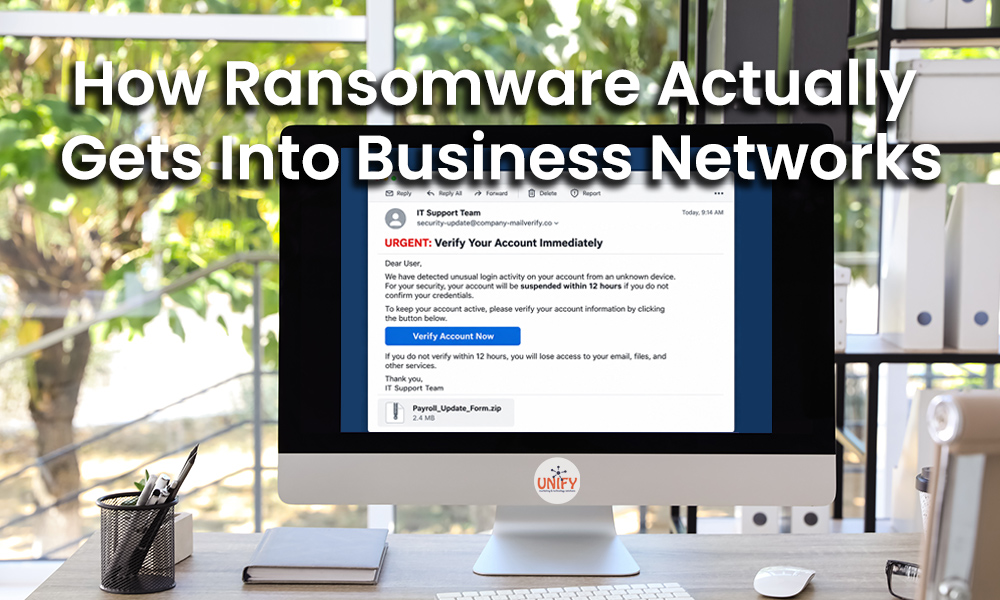
- Phishing emails disguised as travel alerts
- Unauthorized access to company email
- Sensitive information sent without encryption
- Employees delaying security updates while traveling
A single compromised account can provide an attacker with access to emails, customer information, cloud applications, financial records, and internal files. Small businesses need a security plan that protects both employees and company systems, regardless of where work is being completed.
Use Managed IT Services to Prepare Before Employees Leave
Cybersecurity preparation should begin before an employee starts traveling. Managed IT services for small businesses provide ongoing monitoring, maintenance, security, and technical support that help identify vulnerabilities before they become serious problems.
Before an employee leaves, your IT provider can help confirm that:
- Operating systems and applications are fully updated
- Antivirus and endpoint security tools are active
- Multi-factor authentication is enabled
- Business data is properly backed up
- Device encryption is configured
- Employees know how to contact support
- Remote access tools are secure and approved
- Lost devices can be remotely locked or wiped
This proactive approach is more effective than waiting until an employee reports a suspicious login, missing device, or compromised account.
Require Multi-Factor Authentication
Passwords alone are no longer enough to protect business accounts. If an employee enters a password into a fake login page, an attacker may be able to access the account from anywhere.
Multi-factor authentication adds another verification step, such as a mobile prompt, security key, or authentication application. Even when a password is stolen, this additional step can help prevent unauthorized access.
Multi-factor authentication should be enabled for email, cloud storage, remote access platforms, financial systems, and other applications containing sensitive business information.
Protect Sensitive Messages With Email Encryption
Traveling employees may need to send contracts, customer records, financial documents, login information, or other confidential materials. Standard email may not provide the protection required for sensitive information.
A secure email encryption service helps protect messages and attachments from unauthorized access while they are being sent. It can also help businesses maintain better control over confidential communications and support industry compliance requirements.
Employees should know when encryption is required and how to use it before leaving the office. Clear policies reduce the chance that sensitive information will be sent through an unapproved personal account or unsecured messaging application.
Strengthen IT Security Awareness
Technology cannot prevent every attack. Employees must also understand how to recognize suspicious activity.
Effective IT security awareness training teaches employees to identify:
- Unexpected password reset requests
- Fake hotel, airline, and reservation emails
- Messages requesting urgent payments
- Suspicious links and attachments
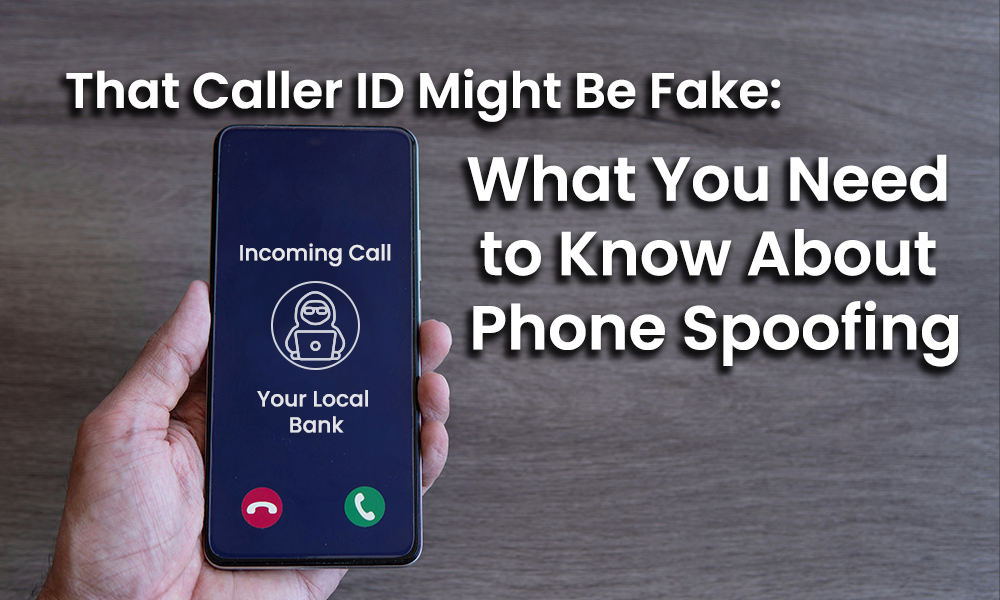
- Impersonation attempts involving managers or vendors
- Unusual multi-factor authentication prompts
- Requests to change direct deposit or banking information
Cybercriminals frequently create a false sense of urgency. An employee who is rushing through an airport or checking email between activities may be less likely to notice a slightly misspelled email address or suspicious link.
Ongoing training and phishing simulations help employees build safer habits and respond appropriately when something does not look right.
Establish Clear Travel Security Rules
Your business should have a simple cybersecurity policy for employees working away from the office. The policy should be easy to understand and practical enough for employees to follow.
Travel security guidelines may include:
- Avoid public Wi-Fi when possible
- Use a company-approved mobile hotspot or VPN
- Never leave devices unattended in public
- Keep laptops and phones locked with a strong passcode
- Do not use public computers for company work
- Avoid charging devices through unknown public USB ports
- Report lost or stolen devices immediately
- Contact IT before responding to suspicious requests
Employees should also avoid discussing sensitive business information in crowded public areas where conversations or screens may be observed.
Plan for Lost or Stolen Devices
Even careful employees can misplace a phone, laptop, or tablet. A clear response plan can limit the damage.
Employees should report a missing device immediately rather than spending hours trying to locate it first. Your IT provider can then reset passwords, terminate active sessions, review account activity, and remotely secure the device when those capabilities are available.
Managed device policies, encryption, backups, and remote management tools can make the difference between a minor inconvenience and a major data breach.
Monitor Business Systems While Employees Are Away
Small businesses often operate with fewer employees during vacation season. That can allow suspicious login attempts, security alerts, failed backups, or system problems to go unnoticed.
With managed IT services for small businesses, your environment can be monitored even when key employees are out of the office. Proactive monitoring helps identify unusual activity, missing updates, device issues, and potential threats before they interrupt operations.
Your team also has a reliable support contact when an employee encounters a technical or security problem while traveling.
Keep Your Business Secure This Vacation Season
Employees should be able to travel without putting your business at unnecessary risk. A combination of secure technology, email protection, data backups, ongoing monitoring, and practical IT security awareness can help employees work safely from nearly anywhere.
Unify Marketing & Technology Solutions helps small and midsized businesses protect their technology through proactive managed IT support, cybersecurity solutions, employee training, and secure communications.
Contact Unify MTS to review your cybersecurity plan and prepare your business for a safer vacation season.
Frequently Asked Questions
What are managed IT services for small businesses?
Managed IT services provide ongoing technology monitoring, maintenance, cybersecurity, updates, support, and planning. They help small businesses reduce downtime, improve security, and address potential problems proactively.
Is public Wi-Fi safe for business work?
Public Wi-Fi can expose employees to unnecessary risks. Employees should use a company-approved mobile hotspot, secure VPN, or another trusted connection when accessing business systems.
How does a secure email encryption service protect employees?
A secure email encryption service protects sensitive messages and attachments from unauthorized access while information is being transmitted. It is particularly useful when sending confidential customer, financial, healthcare, or legal information.
What should an employee do after losing a company device?
The employee should contact the company and its IT provider immediately. Passwords may need to be reset, active sessions terminated, account activity reviewed, and the device remotely locked or erased.
How does IT security awareness reduce travel-related risks?
IT security awareness training helps employees recognize phishing emails, impersonation attempts, suspicious login pages, and other threats. This is especially important when employees are traveling, distracted, or working from unfamiliar locations.