



Is Your Business Prepared for Summer Power Outages?
Summer can be tough on business technology. Severe storms, heat waves, power flickers, brownouts, and unexpected outages can place your systems under stress at the worst possible time. For a small business, even a brief interruption can create a chain reaction. The internet goes down, phones stop working, security cameras disconnect, computers shut off unexpectedly, and employees lose access to cloud tools, files, printers, and customer systems.
That is why a proper UPS backup plan matters.
A UPS backup, also known as an uninterruptible power supply, provides temporary battery power when utility power fails or becomes unstable. It can help prevent sudden shutdowns, protect equipment from power problems, and give your business time to respond before a small power event becomes a larger technology issue.
At Unify Marketing & Technology Solutions, we help businesses build reliable, secure, and well-planned technology environments. Power protection is an important part of that plan, especially for network equipment, business phone systems, servers, security cameras, access control systems, and cloud-connected tools.
If your business has not reviewed its network battery backup or network UPS setup recently, summer is a good time to start.
Why Power Outages Are a Business Technology Problem
Power outages are more than an inconvenience. They can interrupt communication, productivity, security, and customer service. If your firewall, modem, router, network switches, wireless access points, or phones go offline, your team may not be able to access the systems they need to operate.
Some businesses assume that because their files, phones, or applications are cloud-based, local power problems are less important. Cloud services can improve flexibility and recovery, but your local network still needs power. Employees cannot reach cloud systems from the office if the internet equipment and network infrastructure are offline.
A strong UPS backup strategy helps protect the equipment that keeps your business connected. This is especially important for companies that rely on cloud applications, VoIP phones, point-of-sale systems, remote access, security cameras, and shared data.
What Is a UPS Backup?
A UPS backup is a device that provides temporary battery power to connected equipment during a power outage, flicker, brownout, or unstable power condition. It is commonly used to protect computers, servers, firewalls, switches, internet equipment, and other critical technology.
For small businesses, the goal is usually not to run the entire office for hours. The goal is to protect the most important systems long enough to ride through short outages, prevent abrupt shutdowns, maintain communication during brief interruptions, or allow servers and devices to shut down safely.
A properly planned UPS backup can also help reduce equipment stress caused by frequent power flickers. This matters during summer storm season, when power may drop for a few seconds and then return. Those quick interruptions can be enough to reboot network equipment, lock up devices, or cause systems to come back online in the wrong order.
Why Network Battery Backup Matters
Your network is the foundation of your business technology. If the network loses power, many other systems stop working too. A network battery backup helps support key devices such as firewalls, routers, internet provider equipment, switches, wireless access points, VoIP phone equipment, camera switches, network video recorders, access control equipment, and small servers.
Without a network battery backup, a brief power flicker may be enough to knock your business offline. Even when power returns quickly, equipment may not restart correctly. Internet equipment may come back before the firewall. Switches may take longer to boot. Phones may lose registration. Cameras may fail to reconnect. Employees may think the internet is down when the real issue is equipment that did not recover properly.
A network UPS helps reduce these problems by keeping important devices powered during short power events. It is commonly installed in a network closet, server room, rack, or equipment cabinet. For businesses that depend on Business VoIP Solutions, cloud applications, security cameras, and remote access, a network UPS is one of the simplest ways to improve reliability.
Signs Your UPS Backup Needs Attention
Your business may need to review its UPS backup setup if you notice problems like:
- Network equipment rebooting during storms
- Internet or phones dropping after short power flickers
- Cameras going offline after outages
- Battery backup units beeping or showing warning lights
- No clear documentation showing which devices are protected
A failing battery backup can create a false sense of security. It may look like your equipment is protected, but when the power goes out, the UPS may fail almost immediately. That is why UPS backup should be reviewed as part of your larger Infrastructure Services and network support plan.
How Outages Affect Phones, Cameras, and Access Control
Modern phone systems often depend on internet access and network equipment. If your business uses VoIP phones, cloud PBX, hosted phones, or network-connected desk phones, a power outage can affect your ability to make and receive calls.
If the outage is brief, a network battery backup may keep phones and internet online long enough for employees to continue working. If the outage lasts longer, a properly planned phone system may allow calls to forward to mobile phones or alternate numbers. This is especially important for businesses that rely on customer calls, appointment scheduling, dispatching, emergency communication, or front desk operations.
Security systems also depend on power and network connectivity. During an outage, your business may lose camera recording, remote camera viewing, access control communication, door controller connectivity, alerts, and network video recorder access.
If your cameras and access control systems are connected through network switches, those switches should be part of the UPS backup plan. A camera with power is not useful if the switch, recorder, or network connection is offline. Unify’s Security Services and Access Control Solutions can help businesses review the technology that supports physical security.
UPS Backup Is Not the Same as Data Backup
If your business has a server, power protection is critical. Sudden shutdowns can cause file corruption, failed updates, database problems, backup interruptions, and operating system issues.
A UPS backup can help a server stay online during brief outages, shut down safely during longer outages, avoid abrupt power loss, reduce the risk of data corruption, and support a more reliable backup process.
However, a UPS backup is not the same as data backup. Power protection helps reduce the chance of damage. Data backup helps recover when something still goes wrong. Your business should still have reliable data backup, cloud backup, offsite backup, and a recovery plan. Unify’s Cloud and Data Services help businesses protect important information, support recovery, and prepare for unexpected technology problems.
What Should Be Connected to a UPS Backup?
Not every device in your office needs to be connected to a UPS backup. The priority should be equipment that keeps your business connected, secure, and operational.
For many businesses, this includes:
- Firewall, router, modem, core switch, and wireless access points
- Phone system equipment, camera recorder, access control equipment, and server
- Backup appliance, key workstations, and point-of-sale equipment
Some devices should not be connected to a UPS, especially equipment that draws too much power or is not critical. Printers, space heaters, fans, and appliances should generally not be connected to business UPS units. A technician can help determine what should be protected, how much runtime is needed, and whether your current network UPS setup is overloaded.
UPS Backup and Managed IT Support
UPS backup should not be a one-time purchase that gets ignored. Like any other part of your technology environment, it should be reviewed and maintained.
Managed IT Services can help by monitoring critical systems, reviewing network equipment, checking battery backup status, identifying outdated hardware, supporting firewalls and switches, reviewing backup reports, and planning equipment replacement before failure causes downtime.
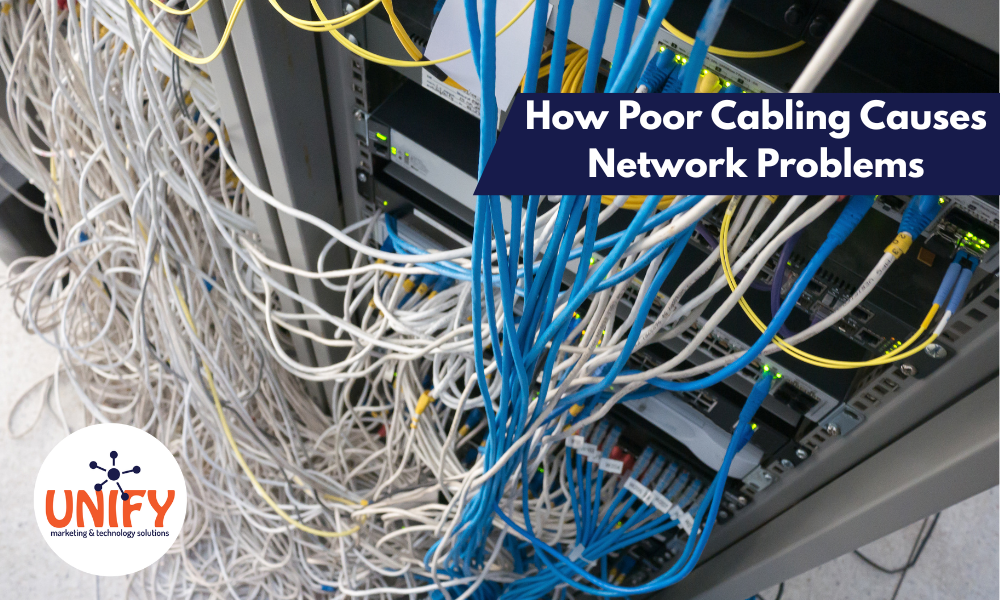
Power protection also works best when the network itself is organized. If your network closet is cluttered, cabling is unlabeled, or equipment is plugged in without documentation, it becomes harder to troubleshoot during an outage. Unify’s Network Cabling Services can help organize and document the infrastructure that supports your UPS backup plan.
Keep Your Business Running During Summer Outages
Summer power outages can happen with little warning. The best time to prepare is before the next storm, brownout, or power flicker interrupts your business.
A reliable UPS backup strategy can help protect your network equipment, reduce downtime, support business communication, and give your systems a safer way to handle power problems. When combined with strong data backup, managed IT support, and proper network planning, it becomes an important part of business continuity.
If you are not sure whether your current network battery backup or network UPS setup is ready for summer, contact Unify Marketing & Technology Solutions. Our team can review your network equipment, servers, phone systems, cameras, access control equipment, cloud backup, and overall infrastructure to help design a practical UPS backup strategy for your business.
Frequently Asked Questions
What is a UPS backup?
A UPS backup is an uninterruptible power supply that provides temporary battery power to connected equipment during a power outage, flicker, or brownout. It helps prevent sudden shutdowns and gives critical equipment time to stay online or shut down safely.
Why does my business need a network battery backup?
A network battery backup helps protect the equipment that keeps your business connected, including firewalls, routers, switches, internet equipment, phones, cameras, and servers. Without it, a short power flicker can take your network offline.
What is a network UPS?
A network UPS is a UPS backup used to protect networking equipment. It is commonly installed in a network closet or server area to support firewalls, switches, routers, access points, VoIP equipment, and other critical devices.
Is a UPS backup the same as data backup?
No. A UPS backup protects equipment from sudden power loss. Data backup protects files, systems, and business information. Businesses should use both as part of a complete continuity plan.
Can Unify MTS help with UPS backup planning?
Yes. Unify MTS can review your network equipment, servers, phone systems, cameras, access control equipment, cloud backup, and overall infrastructure to help design a practical UPS backup strategy for your business.